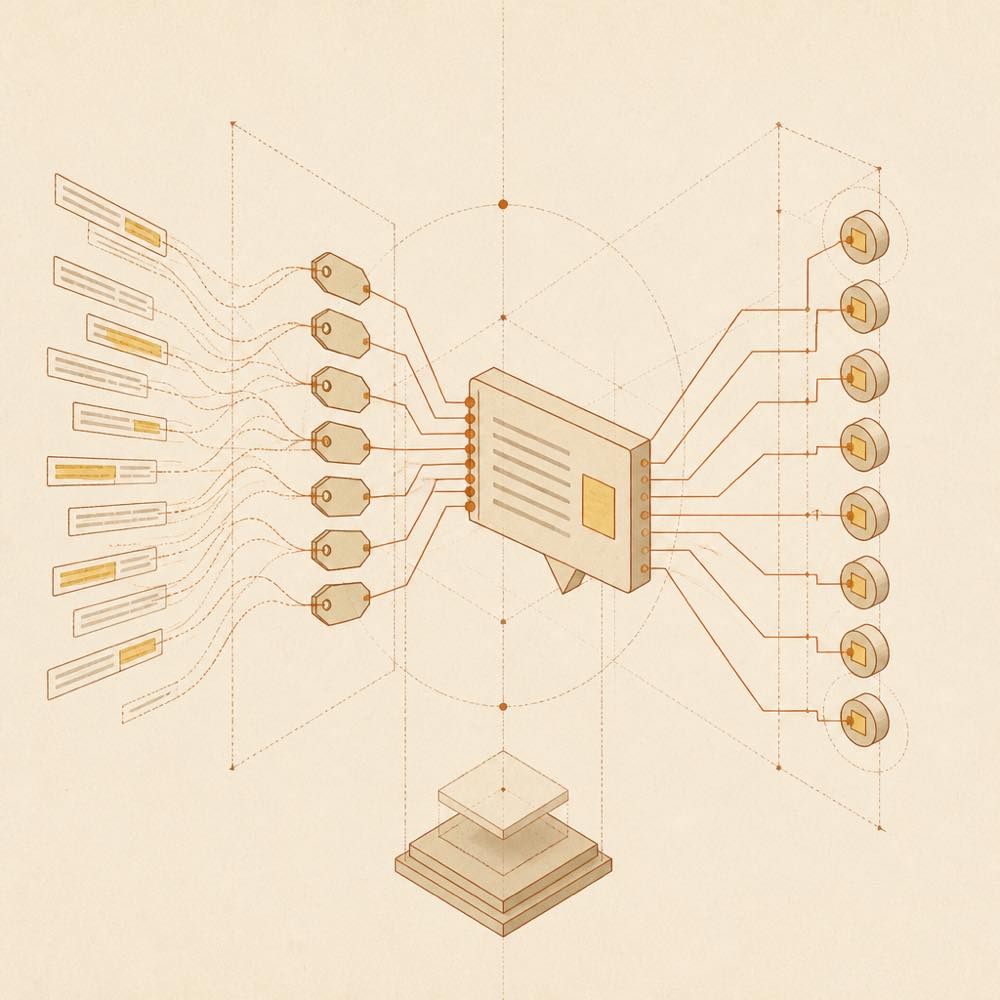
What it is — DSH-better-sidebar is a sidebar workbench that supports file rendering, code editing, terminal execution, Git operations, and subagents, with third-party plugins able to register new tabs via the same API.
Who it is for — When using DeepSeek Harness and DSH models for code file processing that requires sidebar display of files, terminal output, and Git changes, this plugin provides complete workbench capabilities.
If your work involves only pure text interaction without file or terminal tools, you can consider other lightweight interface solutions because it is prepared for multi-functional file management scenarios.
Watch out — Tested successfully in a fresh profile, registered into the harness profile. Installation involves executing shell commands for dependencies. No obvious issues found.
The verdict — I would install it because it integrates sidebar support for files and terminal; the trade-off is handling build dependencies during installation.