DSH Marketplace

dsh-genui

omdsh-dev/dsh-genui

Interactive UI components rendered inline in replies: layout, charts, forms, quizzes, mermaid, 3D scenes, and an action event loop back to the model.

Install

Add dsh-genui to DeepSeek Harness

via npm

Resolves a published tarball rather than cloning the repository, and installs without any extra setup. Swap `web` for your profile name if you run another one.

via GitHub · npm package

Installing from GitHub runs the project's build script, which pnpm blocks until you allowlist it — run the command once and pnpm prints the exact key to add under `allowBuilds` in ~/.dsh/profiles/web/pnpm-workspace.yaml.

Due diligence

Before you install dsh-genui

  • Source of record: omdsh-dev/dsh-genui — present in the community registry that DSH's own plugin market installs from.
  • Licensed under MIT.
  • Detected: requires credentials. Read the source before granting these.
  • A listing here is not a security review. Plugins run with your agent's permissions.

What dsh-genui does

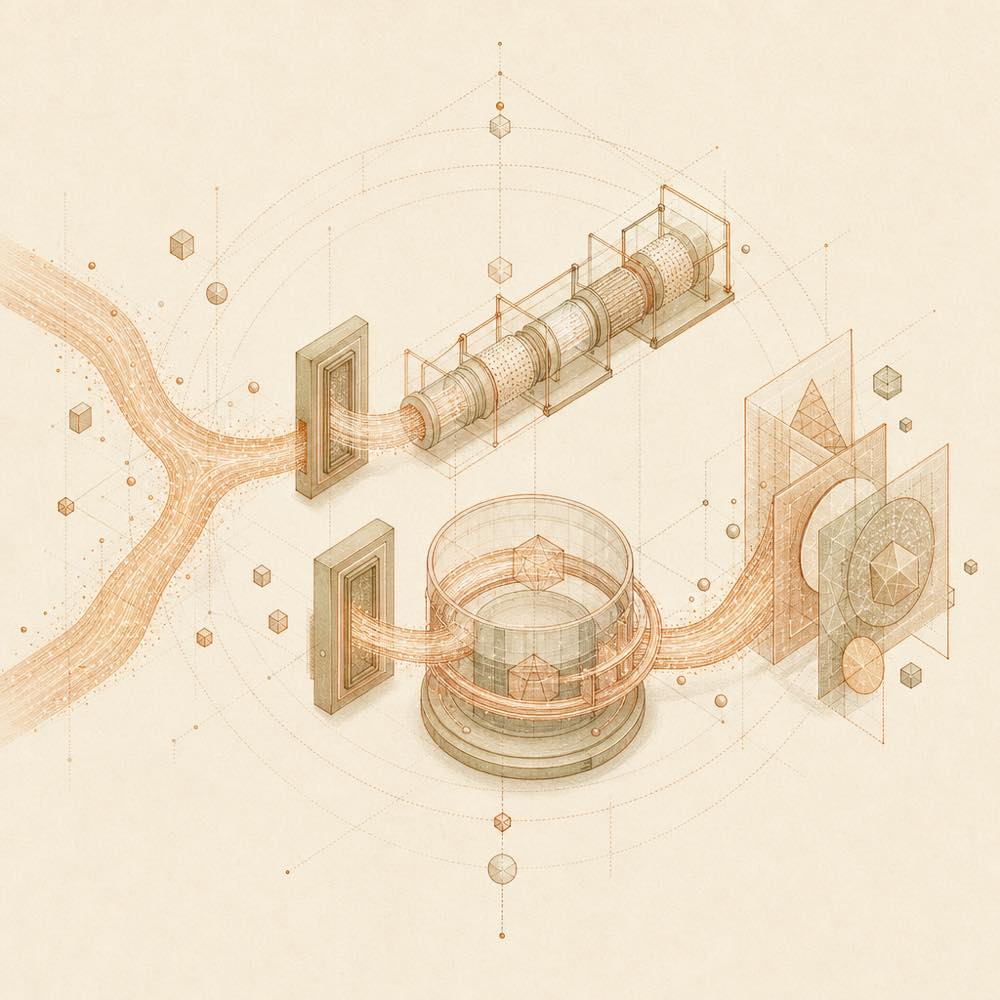
Data streams split between two rendering paths and converge into interactive panels.

dsh-genui is a DeepSeek Harness plugin that renders interactive UI components inline in agent replies. It supports layouts, cards, tables, charts, forms, quizzes, Mermaid diagrams, function plots and 3D scenes, with controls that can send events back to the model.

At startup, dsh-genui selects one of two rendering channels. If the host exposes the fence-registry extension point, it registers fences with the host’s streaming render pipeline. Otherwise, it observes the session DOM, finds supported code-block surfaces containing a dsh-ui fence, and mounts its own render tree. Components can appear while the model is still writing. The render_ui tool uses the same specification in the tool row, while panel: true places a persistent panel above the composer. Interaction events are sent to the model; local operations such as grading, resets and expand/collapse remain local. State is persisted per session and content fingerprint, with an LRU limit of 200 blocks.

It is intended for DSH users who need answer content to be selectable, editable or visualised rather than presented as text alone. It is a poor choice when a plain response is sufficient, or when installing and maintaining the pnpm-based renderer is undesirable. The README requires DSH and pnpm, and warns that link: without dependencies can break rendering. The directory flags dsh-genui as requiring credentials; the README does not identify which credentials, while the plugin reaches the host session DOM, local persisted UI state and the model event loop.

dsh-genui documentation

Requirements

The README requires dsh and pnpm on PATH. Any open-source DSH build is supported. After installation or changes, restart the DSH web interface and perform a hard refresh. The documented verification prompt is “use dsh-ui to draw a stats dashboard”. A fresh clone should be installed with its dependencies; the README specifically warns that link: does not install mermaid, three or react dependencies and is intended for local development after pnpm install.

Rendering channels

At startup, the plugin checks whether the host provides the fence-registry extension point.

  • With fence-registry, UI fences use the host streaming render pipeline.
  • Without it, the DOM channel observes the session DOM and mounts a separate render tree.

The DOM channel supports the md-code-block surface, .code-block, .code-block-small, and a structural fallback for an element labelled dsh-ui with a <pre> body. Streaming rendering is supported: the first completed component can appear before the reply finishes.

Tools and interactions

The render_ui tool renders the same UI specification as a card in the tool row. Answer-style UI is delivered through a fence; tool-style UI uses render_ui. Setting panel: true makes the UI appear in the persistent session panel above the composer.

Buttons, switches, inputs, dropdowns, checkboxes, radios, textareas and quizzes can carry action. Events are sent back to the model, with same-name actions debounced over a 300 ms trailing window. Inputs submit on Enter; textareas submit on Ctrl+Enter when submit:true. Fields with an id are collected into a submit action.

State and safety behaviour

Answers, submission locks and input values are persisted per session and content fingerprint, with an LRU cap of 200 blocks. Identical content keeps its state; new content starts fresh. Passwords, API keys, access tokens, recovery codes and other secrets must not be requested. Password inputs are masked, not persisted and excluded from form collection. The README does not document additional configuration keys or environment variables.

Written from the project's own documentation and kept in sync with it. Where the two disagree, the source is authoritative — read the README on GitHub

Same category

Alternatives to dsh-genui

dsh-web-ui-all

zhu1090093659

3.7k

Plugin and skin collection for the DSH Web UI: task board, Git graph, right-side panel, remote mobile UI, pet, live token stats, and a skin center.

No one-line install — this plugin lives inside a larger repository and publishes no npm package.

GitHub sourceTypeScripttoday
1.6k

Full sidebar workbench with file rendering and editing, terminal, Git, and subagents; third-party plugins can register new tabs.

npm packageTypeScripttoday

dsh-TUI

ccch1mneyyy

1.5k

Claude Code-style full-screen terminal UI: pixel-whale header, live status line, and streaming thought expansion.

npm packageTypeScripttoday

dsh-at-file

omdsh-dev

261

Codex-style `@file` mentions: search workspace files in the composer and attach their contents to prompts.

npm packageJavaScripttoday
190

A terminal UI (TUI) for DeepSeek Harness.

npm packageTypeScripttoday
158

In-conversation generative UI: the model renders interactive HTML cards into the chat stream, with streaming preview and sandboxed rendering.

GitHub sourceTypeScriptyesterday