Configuring deepseek-harness-genui
DeepSeek Harness provides the plugin configuration under Settings → Plugins → Plugin configuration. New apps can use automatic design selection, one of the built-in profiles, or an imported custom DESIGN.md. The selected design becomes the default for later apps; existing apps retain their original design. DESIGN.md controls the visual language, not the page structure. The documented built-in profiles are:
editorial-workbench for reading, planning, forms, and content-heavy workledger-grid for comparisons, schedules, evidence, and shortlistsfield-atlas for scientific, causal, and spatial explanationskinetic-signal for changing data, connected tools, and user-triggered actions
Commands for deepseek-harness-genui
DeepSeek Harness starts the Web profile with dsh --profile web. This profile supports Inline, Canvas, fullscreen, and localhost links. The terminal profile uses dsh --profile tui; it returns localhost links and does not embed Canvas. MCP servers must be connected to the same profile. The repository's source-development commands are pnpm run typecheck, pnpm test, and pnpm run package:plugin.
How deepseek-harness-genui behaves
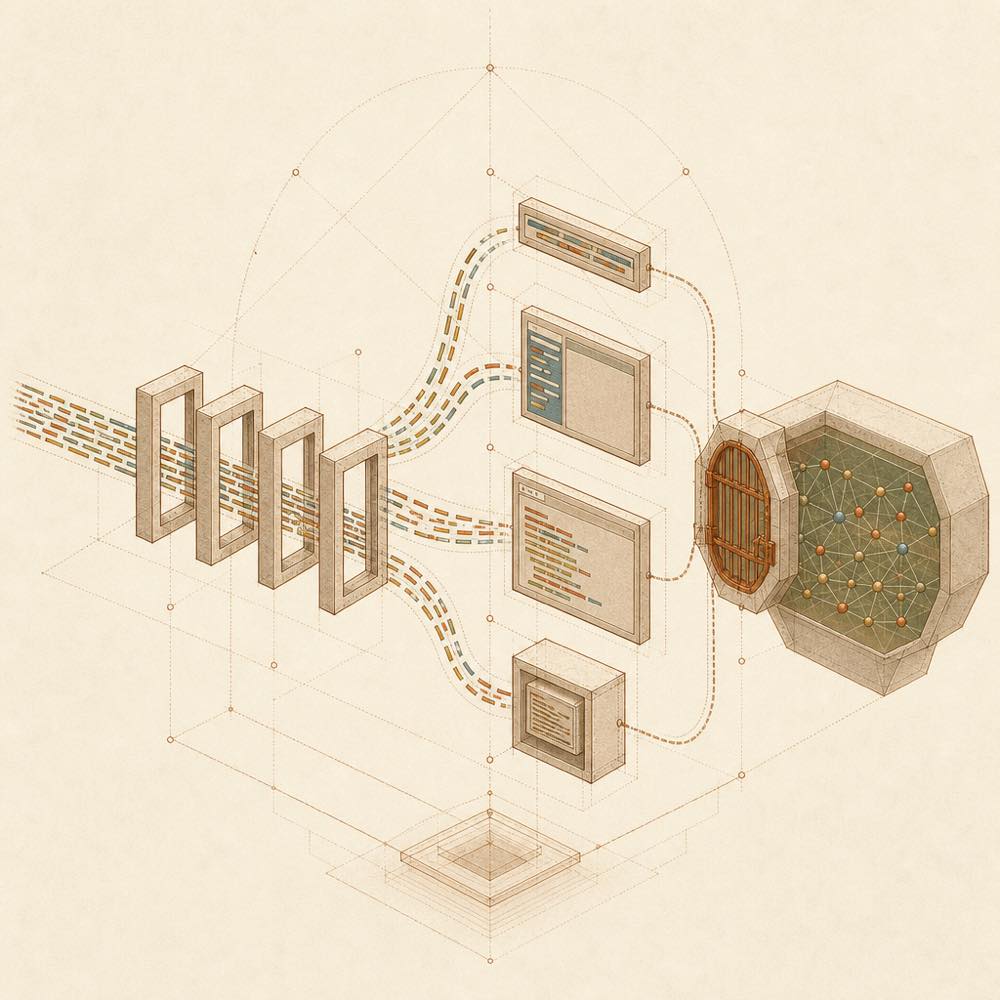
The plugin stores an app's selections and inputs in the current task. Inline, Canvas, fullscreen, and CLI/localhost are surfaces over that same task state, so a later agent turn can read values saved in another surface. Later edits update the same app, while a failed update leaves the current working version in place.
For connected apps, the app declares the Harness/MCP/Skill tools or credential-free public HTTPS routes it needs. DeepSeek Harness shows the complete access list before the task-scoped decision, repeats changed capabilities, and blocks undeclared calls. In Web, access can be reviewed or revoked from the app card.
Requirements and limits
The plugin requires Node.js ^22.19.0 || >=24 and supports DeepSeek Harness ^0.1.0-rc.6. Generated code runs in a sandbox. Direct API requests are limited to declared, credential-free public HTTPS routes. Temporary links and grants expire after 7 days; saved task state expires 7 days after its last update.
Written from the project's own documentation and kept in sync with it. Where the two disagree, the source is authoritative — read the README on GitHub