DSH Marketplace

dsh-tianshu-tui

huiliyi37/dsh-tianshu-tui

A terminal UI (TUI) for DeepSeek Harness.

2048TypeScriptApache-2.0Source

Install

Add dsh-tianshu-tui to DeepSeek Harness

via npm

Resolves a published tarball rather than cloning the repository, and installs without any extra setup. Swap `web` for your profile name if you run another one.

via GitHub · npm package

Installing from GitHub runs the project's build script, which pnpm blocks until you allowlist it — run the command once and pnpm prints the exact key to add under `allowBuilds` in ~/.dsh/profiles/web/pnpm-workspace.yaml.

What happened when we ran it

Installed cleanly when we ran it

Every command here is run in a throwaway container against a clean profile, and the result is whatever the harness recorded — not a guess from the source. Last run yesterday.

Due diligence

Before you install dsh-tianshu-tui

  • Source of record: huiliyi37/dsh-tianshu-tui — present in the community registry that DSH's own plugin market installs from.
  • Licensed under Apache-2.0.
  • Detected: terminal surface. Read the source before granting these.
  • A listing here is not a security review. Plugins run with your agent's permissions.

The AI take

What it is — dsh-tianshu-tui is a terminal UI plugin for DeepSeek Harness, evolved from the Tianshu-Tui rendering core. The UI is a pure presentation layer where all agent states originate from session event streams, with personalized modifications at the harness engineering level.

Who it is for — People using DeepSeek Harness for coding work and needing to manage agent states and sessions are suitable for installing it. Those who do not need a terminal UI to display agent states or are already in an independent integrated distribution do not need to install this plugin.

Watch out — This plugin requires the official DeepSeek Harness CLI to be installed first. Sandbox testing confirms successful installation and registration into the profile in a fresh profile. No obvious issues were found.

The verdict — I would install it because it supports real-time theme previews and session cost summaries.

Generated by grok-4.6, and a starting point rather than a verdict. Where it says a plugin installs or does not, that is from a real run in a clean profile — everything else is read off the repository. Trust the source over this.

What dsh-tianshu-tui does

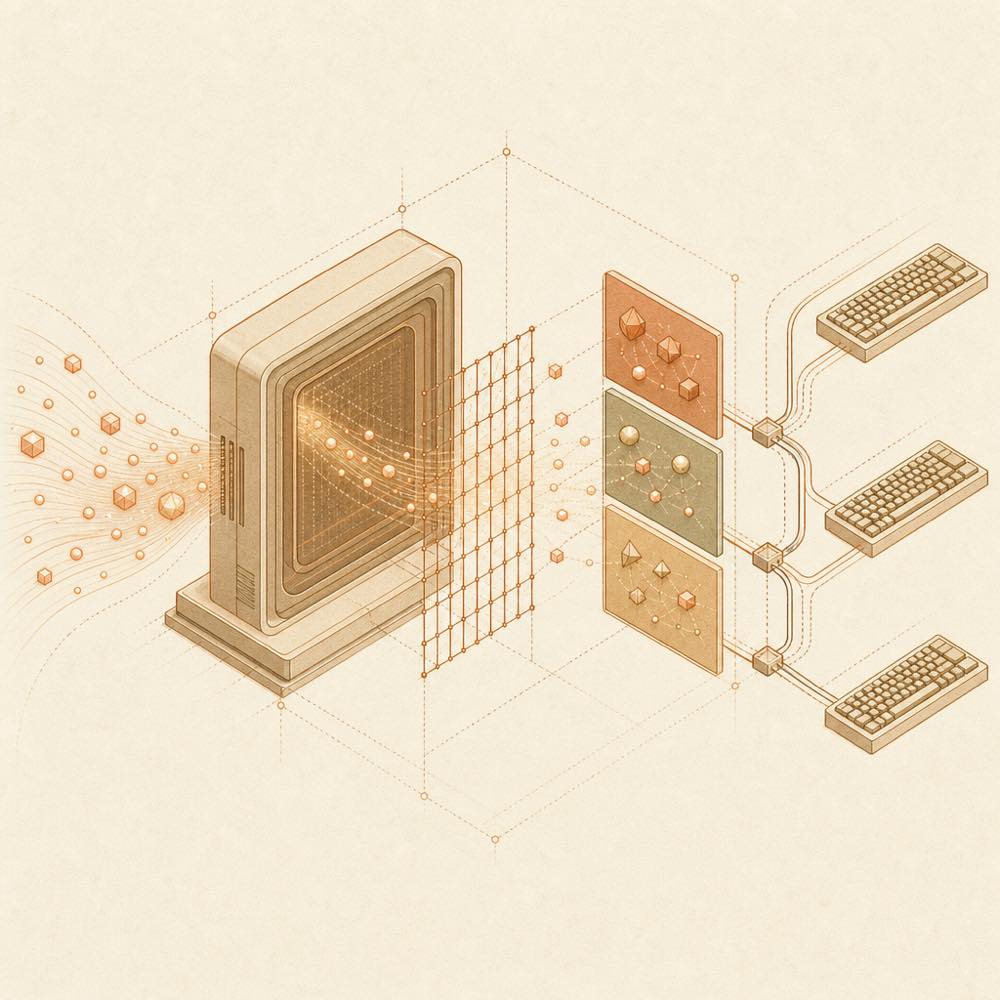
Event tokens pass through an ANSI grid into a terminal frame while keyboard paths flow back in.

dsh-tianshu-tui is a DeepSeek Harness plugin that provides an interactive terminal UI for the official DeepSeek Harness CLI. It is a presentation layer rather than a separate agent runtime: the UI receives agent state from the session event stream and renders it through a lightweight ANSI engine derived from Tianshu-Tui. The package also includes harness-level bridges for images and vision, code-oriented retrieval, and memory and cross-session recall. These features depend on the capabilities available in the surrounding harness and any separately installed companion plugins.

The plugin runs inside the official @deepseek-ai/dsh tui profile, reads session events, and handles terminal input for commands such as /exit, /restart, /model, /theme, /session, and /cost. npm installations may check npm latest at startup and write an updated package into the profile; DSH_TUI_SKIP_UPDATE=1 disables that check. Its profile and harness data live under DSH_HOME, which defaults to ~/.dsh.

This is intended for developers who want a terminal-based interface for official DeepSeek Harness sessions. It is not a standalone executable and requires the official CLI, Node.js ^22.19 || >=24, and pnpm on PATH. It is the wrong choice for the separate oh-my-tianshu ecosystem, whose TUI uses different @huiliyi37 packages. As a terminal-surface plugin, it reaches the terminal to render a full-screen interactive interface and process keyboard input, and may write packages into the configured profile during updates.

dsh-tianshu-tui documentation

Requirements and installation context

dsh-tianshu-tui is loaded by the official @deepseek-ai/dsh CLI, not run as an independent program. The README requires:

  • @deepseek-ai/dsh version 0.1.0-rc.7
  • Node.js ^22.19 || >=24
  • pnpm available on PATH, because dsh plugin forwards package operations to it

The intended profile is tui. The harness data home is DSH_HOME; its documented default is ~/.dsh. The README advises using the versioned npx form of the official CLI when an older dsh executable may already be present on PATH.

Runtime behaviour

The UI consumes agent state from the session event stream and renders it with an ANSI terminal engine. It handles terminal keyboard input, including Ctrl+Q for exit, Ctrl+C for interruption, Esc for interruption or the rewind panel, Ctrl+X for cycling sessions, and Alt+1 through Alt+9 for direct session selection.

The command surface includes:

Command Behaviour
/exit Exits the TUI
/restart Restarts the same process
/help Lists registered commands; /help <cmd> shows one command
/theme Opens theme selection; an argument can select a theme
/model Opens model selection without an argument; an argument retains the parameterised form
/session Opens session selection without an argument
/cost Shows accumulated usage and estimated cost by model

Updates and companion services

For npm installations, startup checks npm latest and can write a newer package into the profile. Set DSH_TUI_SKIP_UPDATE=1 to skip the online update check. The package manager used for updates is selected from the profile’s lock file. Updates can restart automatically when no session work has begun; /restart is available for a manual restart.

The optional vision-ask/ companion adds image-questioning capability. The community dsh-lsp plugin adds LSP model tools; the TUI can consume its lsp service for diagnostics and shares its LSP server set.

Known limits

The plugin must be used with official DeepSeek Harness packages and should not be placed in the oh-my-tianshu or @huiliyi37 TUI profile. The README does not describe this package as a standalone CLI.

Written from the project's own documentation and kept in sync with it. Where the two disagree, the source is authoritative — read the README on GitHub

Same category

Alternatives to dsh-tianshu-tui

dsh-web-ui-all

zhu1090093659

4.7k

Plugin and skin collection for the DSH Web UI: task board, Git graph, right-side panel, remote mobile UI, pet, live token stats, and a skin center.

No one-line install — this plugin lives inside a larger repository and publishes no npm package.

GitHub sourceTypeScripttoday

AI review

dsh-web-ui-all

What it is — This is a plugin and skin collection for the DeepSeek Harness Web UI, including Liangshen mode, task board, Git graph, right panel, mobile remote UI, SSH operations, whale girl pet, and skin center.

Who it is for — If you are using DeepSeek V4 Pro for agent tasks and need multi-column task board and Git graph to track changes, this plugin is suitable for you. If you primarily operate DeepSeek Harness in non-Web UI interfaces, you don't need this collection.

Watch out — Installation from the source subdirectory requires manually approving the build script. No sandbox testing was conducted. No obvious issues were found.

The verdict — I would install it because it provides the whale girl pet and SSH remote operations.

Generated by grok-4.6, and a starting point rather than a verdict. Where it says a plugin installs or does not, that is from a real run in a clean profile — everything else is read off the repository. Trust the source over this.Read the source
LINUX DO1Details
2.0k

Full sidebar workbench with file rendering and editing, terminal, Git, and subagents; third-party plugins can register new tabs.

Installs, but needs a build approved first

npm packageTypeScriptyesterday

AI review

DSH-better-sidebar

What it is — DSH sidebar workbench supporting file rendering and editing, real terminal, Git panel and subagents, with third-party plugins registering new tabs via API.

Who it is for — If you need a sidebar workbench for file management and Git tasks in DeepSeek Harness, this plugin is suitable. If you do not involve subagent topology and background task management, you can skip installing this plugin.

Watch out — Sandbox test shows it can be installed but the build script for node-pty@1.1.0 is blocked by pnpm, preventing DeepSeek Harness from completing registration. Manual approval is required for full registration. No obvious issues found.

The verdict — I would install it because it provides a service-first sidebar API for deep plugin integration, but users must manually approve the build script before installation.

Generated by grok-4.6, and a starting point rather than a verdict. Where it says a plugin installs or does not, that is from a real run in a clean profile — everything else is read off the repository. Trust the source over this.Read the source
1Details

dsh-TUI

ccch1mneyyy

1.8k

Claude Code-style full-screen terminal UI: pixel-whale header, live status line, and streaming thought expansion.

Installed cleanly when we ran it

npm packageTypeScriptyesterday

AI review

dsh-TUI

What it is — dsh-TUI is a DeepSeek Harness plugin that provides a Claude Code-style full-screen terminal UI with pixel-whale header, live status line, and streaming thought expansion.

Who it is for — Users who need to monitor real-time agent status and perform terminal interactions during long DeepSeek Harness sessions are suitable for installing dsh-TUI. Users without terminal TTY requirements do not need to install it.

Watch out — Sandbox testing passed: it installed successfully in a new profile and was registered by harness. No obvious issues found. It requires a functional terminal TTY, pnpm version 10+, and DEEPSEEK_API_KEY.

The verdict — I would install it because it was officially collected by DeepSeek Harness as an internal test user favorite plugin and uses a pure plugin mounting approach.

Generated by grok-4.6, and a starting point rather than a verdict. Where it says a plugin installs or does not, that is from a real run in a clean profile — everything else is read off the repository. Trust the source over this.Read the source
1Details

dsh-at-file

omdsh-dev

333

Codex-style `@file` mentions: search workspace files in the composer and attach their contents to prompts.

Installed cleanly when we ran it

GitHub sourceJavaScriptyesterday

AI review

dsh-at-file

What it is — Enables @file mentions in the composer to insert workspace file paths.

Who it is for — When building prompts in the DeepSeek Harness composer that require referencing workspace files for the agent to check, this plugin supports searching and inserting paths. For users who do not build prompts involving workspace file references, this plugin is irrelevant.

Watch out — Sandbox testing passed with successful registration in a new profile. No obvious issues found.

The verdict — I would install it because it adds a reference message before the agent step, allowing inspection with available tools.

Generated by grok-4.6, and a starting point rather than a verdict. Where it says a plugin installs or does not, that is from a real run in a clean profile — everything else is read off the repository. Trust the source over this.Read the source
Details

dsh-genui

omdsh-dev

225

Interactive UI components rendered inline in replies: layout, charts, forms, quizzes, mermaid, 3D scenes, and an action event loop back to the model.

Installed cleanly when we ran it

GitHub sourceTypeScriptyesterday

AI review

dsh-genui

What it is — Renders interactive UI components inline in replies, including charts, forms, quizzes, mermaid and 3D scenes.

Who it is for — When analyzing data with DeepSeek Harness and needing real-time chart updates. Users who do not use quizzes or forms can choose other plugin solutions.

Watch out — Sandbox test passed: installed in a new profile and registered successfully. Static check requires providing API key or token, supports dual-channel rendering for any dsh build; from source install, need to manually allow the build script first.

The verdict — I would install it because it supports rendering charts, quizzes, mermaid and action event loop back to the model, but only if you provide the API key.

Generated by grok-4.6, and a starting point rather than a verdict. Where it says a plugin installs or does not, that is from a real run in a clean profile — everything else is read off the repository. Trust the source over this.Read the source
LINUX DO1Details
169

In-conversation generative UI: the model renders interactive HTML cards into the chat stream, with streaming preview and sandboxed rendering.

Installed cleanly when we ran it

GitHub sourceTypeScriptyesterday

AI review

dsh-visualize

What it is — DSH enables models to render interactive HTML cards in the conversation stream, with streaming preview and sandboxed rendering.

Who it is for — In the DSH web interface, when the model needs to present interactive charts or simulators, this plugin supplies the missing interactive visualization capability. TUI and headless clients do not need this plugin, as those interfaces only display ordinary tool results.

Watch out — Sandbox testing passed. The plugin was installed in a new profile and registered with harness. No obvious issues were found.

The verdict — I would install it because it allows interactive elements to appear in the conversation, but only if using the Web UI.

Generated by grok-4.6, and a starting point rather than a verdict. Where it says a plugin installs or does not, that is from a real run in a clean profile — everything else is read off the repository. Trust the source over this.Read the source
Details