Configuring deepseek-harness-tui
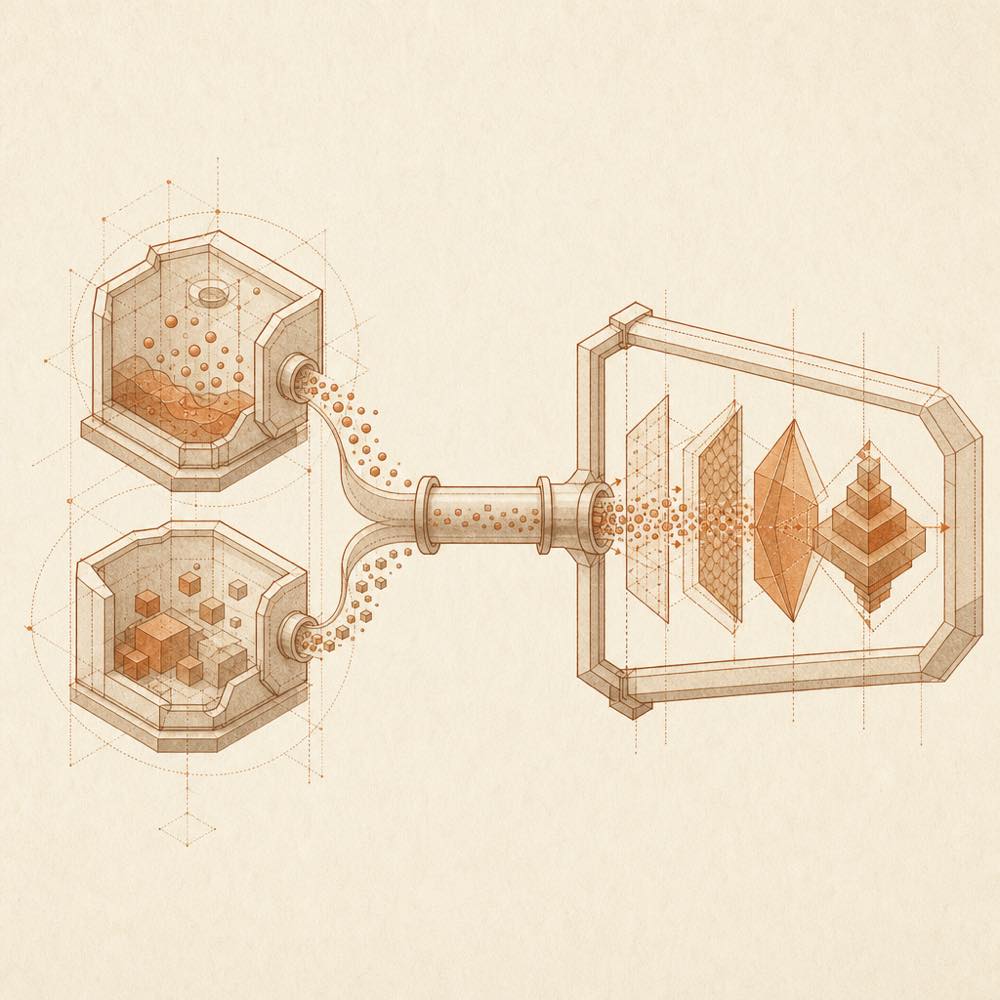
DeepSeek Harness can load deepseek-harness-tui in a tui profile. The profile path attaches the ACP plugin to the Base Cordis Host tree and starts a separate TUI Client process. The TUI bundle treats ACP as a runtime dependency and uses the ACP version resolved from its own dependency graph. A profile that already contains another ACP bundle may retain both packages, but the TUI surface disables the older transport/provider entries.
The standalone client accepts an agent command and repeated argument pairs:
dsh-tui --agent dsh-acpdsh-tui --agent dsh --agent-arg --profile --agent-arg acp
dsh-tui is the main command; dsb remains a compatibility alias. --demo starts a gallery without a runtime or API key. --demo-skin mounts the ember gallery package. A locally built binary can be selected with DSH_TUI_BIN; the README places packaged binaries under npm/vendor/<platform>/.
Commands and session controls
The client provides /new, /resume and /theme. --session-id selects a persistent session. During a turn, follow-up messages can be queued or the current turn can be steered immediately. Skills and built-in commands appear in a searchable, scrollable slash menu.
Requirements and terminal access
DeepSeek Harness requires Node.js 18+ for the packaged profile workflow. The client is designed for an interactive terminal and supports native terminals and tmux. The Rust painter owns the TTY and processes keyboard input, mouse interaction, clipboard integration, and supported terminal rendering protocols, including kitty graphics where available.
How deepseek-harness-tui behaves
DeepSeek Harness carries session, prompt, authentication, configuration and session/update traffic over standard ACP. The client displays agent advertisements, Markdown, tool states, subagent lifecycle events and token/cache indicators. Persistent sessions use JSONL; workspace-mode information is cached. Up to eight images can be staged from files, the clipboard or paste operations. The client does not spawn a second ACP agent in profile mode; standalone mode can spawn or attach to an ACP agent.
Written from the project's own documentation and kept in sync with it. Where the two disagree, the source is authoritative — read the README on GitHub